Network Management 101: A Beginner's Guide to Mastering Business IT Without Breaking Your Budget

Your business network is the backbone of your operations, connecting every device, application, and workflow that keeps your company running. Yet 45% of IT professionals admit they don't fully understand their own network configuration: a knowledge gap that costs businesses thousands in downtime, security breaches, and inefficient operations.
Network management doesn't require a massive budget or enterprise-level expertise. With the right approach, your business can build, monitor, and maintain a robust network infrastructure that grows with your needs while protecting your bottom line.
What Is Network Management?
Network management encompasses three critical functions that keep your business technology running smoothly: discovering what devices connect to your network, monitoring their performance in real-time, and analyzing data to prevent problems before they impact your operations.
Think of network management as the central nervous system of your business technology. Every computer, printer, router, and smart device communicates through your network, and proper management ensures these conversations happen efficiently and securely.
Core Network Management Functions:
• Device Discovery - Automatically identifying and cataloging every device on your network
• Performance Monitoring - Tracking bandwidth usage, connection speeds, and system health
• Fault Detection - Spotting problems before they cause downtime or security breaches
• Configuration Management - Ensuring devices maintain optimal settings and security protocols
• Security Oversight - Protecting against unauthorized access and cyber threats
Essential Network Components Every Business Needs
Building an effective business network requires understanding five fundamental components that work together to create reliable, secure connectivity.
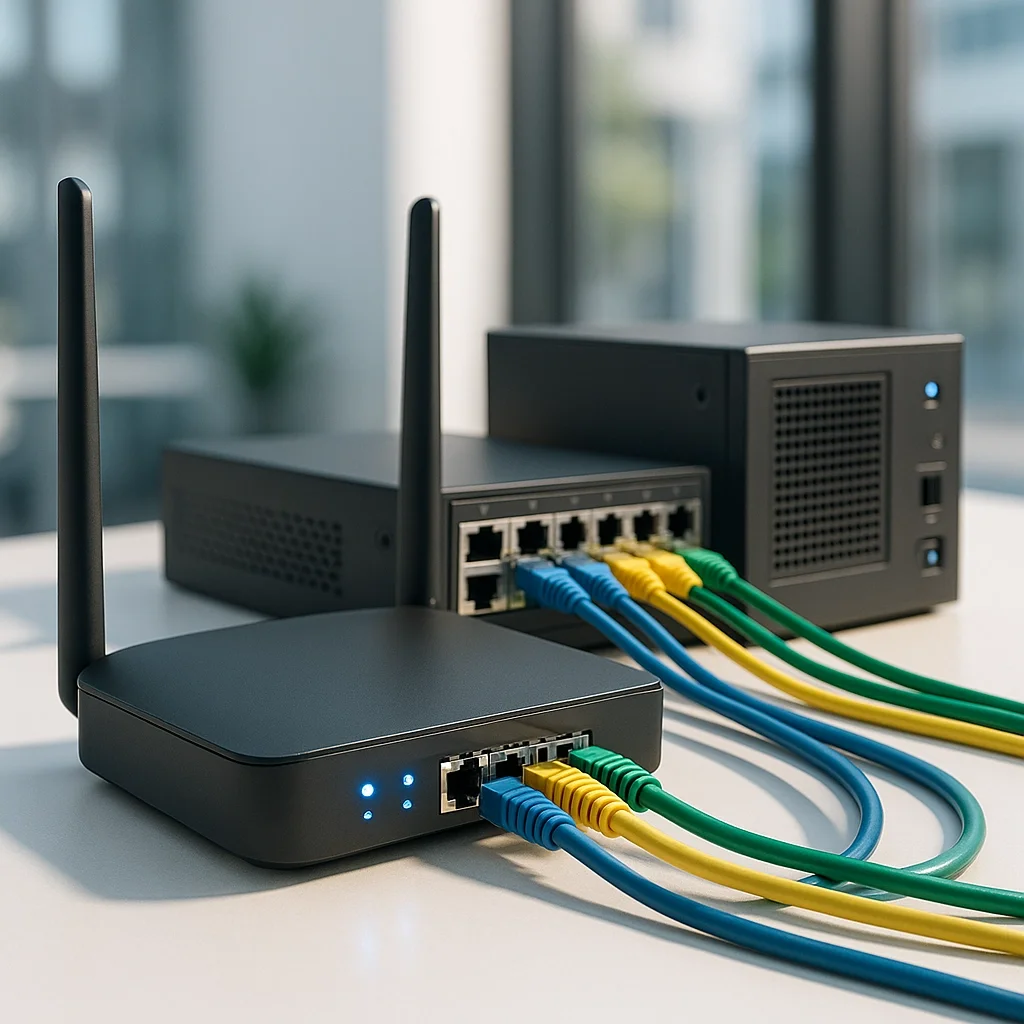
Router: Your Network's Traffic Director
Your router serves as the central hub that directs data between devices and connects your business to the internet. Modern routers combine multiple functions: routing, firewall protection, and wireless access: making them cost-effective solutions for growing businesses.
DHCP Server: Automated IP Address Management
Dynamic Host Configuration Protocol automatically assigns IP addresses to devices joining your network. This automation eliminates manual configuration errors and streamlines device connectivity across your organization.
DNS Server: The Internet's Address Book
Domain Name System servers translate website names into IP addresses, enabling seamless internet access. While you can use public DNS servers, local DNS management provides faster response times and better control over your network traffic.
Firewall: Your First Line of Defense
Firewalls monitor incoming and outgoing network traffic, blocking unauthorized access while allowing legitimate business communications. Modern firewalls integrate directly into routers, providing enterprise-level security without additional hardware costs.
Network Switches: Expanding Connectivity
Switches create additional network ports, allowing more devices to connect via ethernet cables. For businesses requiring stable, high-speed connections for servers or workstations, switches provide reliable wired connectivity.
Building Your Network Infrastructure on a Budget
Smart network planning starts small and scales strategically. You don't need enterprise equipment to create professional-grade network infrastructure: the key is understanding your current needs while planning for future growth.
Start with Basic Connectivity
• Two-device setup - Begin with simple peer-to-peer connections to understand networking fundamentals
• Consumer-grade router - Quality home/small business routers handle 10-50 devices effectively
• Wired backbone - Ethernet cables provide the most reliable connections for critical devices
Scale with Purpose
• Subnet planning - Organize devices into logical groups for better security and performance
• Wireless expansion - Add access points strategically rather than relying on single router coverage
• Server integration - Introduce dedicated servers as your data storage and application needs grow
Budget-Friendly Equipment Choices:
• Multi-function devices - Choose routers that combine routing, switching, and wireless capabilities
• Open source software - Utilize free network management tools for monitoring and configuration
• Refurbished enterprise equipment - Quality used equipment provides enterprise features at small business prices
Network Monitoring and Maintenance
Proactive monitoring prevents small issues from becoming expensive disasters. Effective network management requires continuous oversight of device performance, traffic patterns, and security indicators.

Simple Network Management Protocol (SNMP)
SNMP enables devices to communicate status updates and performance metrics automatically. This protocol forms the foundation of network monitoring, allowing centralized oversight of distributed devices.
Real-Time Performance Tracking
• Bandwidth monitoring - Identify which applications consume network resources
• Device health checks - Monitor server performance, storage capacity, and system temperatures
• Connection quality - Track packet loss, latency, and connection stability across your network
Automated Alert Systems
Configure your network management system to notify administrators when performance thresholds are exceeded or security events occur. Smart alerting prevents information overload while ensuring critical issues receive immediate attention.
Security Best Practices for Network Management
Network security isn't optional: it's fundamental to protecting your business data, customer information, and operational continuity. Implementing security measures during initial setup costs far less than recovering from security breaches.
Access Control Implementation
• User authentication - Require strong passwords and multi-factor authentication for network access
• Device authorization - Maintain approved device lists and block unauthorized connections
• Guest network isolation - Separate visitor access from internal business systems
Network Segmentation Strategy
• Department isolation - Create separate network segments for different business functions
• Server protection - Isolate critical servers from general user traffic
• IoT device containment - Prevent smart devices from accessing sensitive business systems
Regular Security Updates
• Firmware management - Keep router and device firmware current with security patches
• Software updates - Maintain current versions of network management and security applications
• Configuration reviews - Periodically audit network settings to ensure security policies remain effective
Common Network Management Mistakes to Avoid
Learning from others' mistakes saves time, money, and frustration. These common network management errors can cripple business operations and create unnecessary security vulnerabilities.
Insufficient Documentation
Poor network documentation creates cascading problems. When team members don't understand network configuration, troubleshooting becomes guesswork, and expansion planning lacks necessary foundation information.
Reactive Maintenance Approach
Waiting for problems to occur before taking action costs businesses significantly more than proactive monitoring and maintenance. Regular network health checks prevent most common issues from impacting operations.
Inadequate Backup Planning
• Single points of failure - Avoid network designs dependent on individual devices
• Configuration backups - Maintain current backups of router and switch configurations
• Recovery procedures - Document and test network recovery processes before emergencies occur
Ignoring Growth Planning
Networks that work perfectly for current needs often fail dramatically during expansion. Plan network architecture with 2-3 years of growth in mind to avoid costly infrastructure rebuilds.
When to Seek Professional Network Management Support
Growing businesses eventually reach points where professional network management becomes essential. Recognizing these trigger points helps you transition to expert support before problems impact operations.
Professional Support Indicators:
• Multiple locations - Complex networking requirements exceed small business router capabilities
• Compliance requirements - Industry regulations demand professional security implementation
• Critical uptime needs - Business operations cannot tolerate network downtime
• Advanced security threats - Sophisticated cyber attacks require enterprise-level protection
At TekkEez, we specialize in helping businesses transition from basic network setups to professional-grade infrastructure without breaking budgets. Our team provides comprehensive network consulting services that scale with your business needs.
Our Network Management Services Include:
• Network design and implementation - Custom solutions tailored to your business requirements
• 24/7 monitoring and support - Proactive management prevents problems before they impact operations
• Security implementation - Enterprise-level protection for businesses of all sizes
• Staff training - Empowering your team with network management knowledge and best practices
Effective network management combines technical expertise with strategic business planning. Whether you're building your first business network or scaling existing infrastructure, proper planning and execution ensure your technology supports rather than limits your growth.
Ready to Transform Your Business Network?
Don't let network problems slow down your success. Contact TekkEez today for a comprehensive network assessment and discover how professional network management can improve your operations while protecting your investment. Our expert team provides reliable, budget-conscious solutions that grow with your business.
Learn more about our IT consulting services or explore our complete range of business technology solutions. Your network is too important to leave to chance: let TekkEez help you build the reliable, secure infrastructure your business deserves.