
Managed IT Services vs. Holiday Panic Mode: Which Is Better for Your Growing Business During the Busiest Season of 2025?
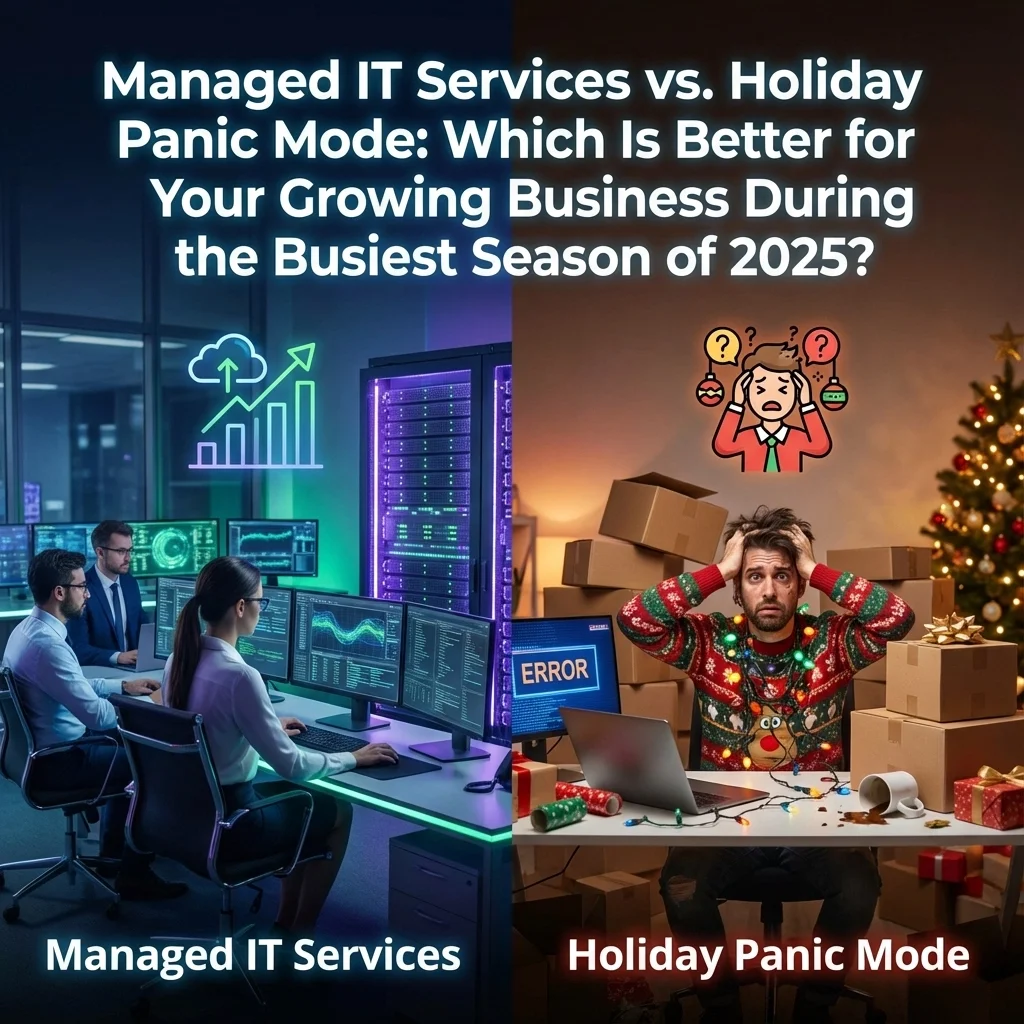
December 22nd, 2025. Right now, millions of businesses are in the thick of their most critical revenue period of the year. While some companies are smoothly processing orders, handling increased web traffic, and maintaining seamless operations, others are scrambling to fix crashed systems, restore lost data, and apologize to frustrated customers.
The difference? One group invested in managed IT services. The other is trapped in holiday panic mode.
For growing businesses, this decision between proactive IT management and reactive crisis response can make or break your entire fourth quarter. Let's examine which approach actually saves money, protects revenue, and positions your business for success during the most demanding season of 2025.
What Exactly Is "Holiday Panic Mode"?
Holiday panic mode isn't a business strategy: it's what happens when you don't have one. This reactive approach means your team only addresses IT problems after they've already damaged your business operations.
Holiday panic mode looks like:
• System crashes during peak shopping hours when your servers can't handle increased traffic
• Emergency IT calls at 2 AM when your e-commerce site goes down during Black Friday weekend
• Frantic password resets when employees can't access critical systems during end-of-year processing
• Data loss scares when backup systems fail during your busiest transaction period
• Security breaches going undetected while you're focused on sales volume
• Manual workarounds eating up employee time that should be spent on revenue-generating activities

The hidden costs of panic mode extend far beyond emergency repair bills. Every minute of downtime during the holiday season represents lost sales, damaged customer relationships, and stressed employees who can't focus on their core responsibilities.
The Managed IT Services Alternative: Proactive Holiday Success
Managed IT services flip the script entirely. Instead of reacting to disasters, managed service providers (MSPs) prevent them from happening in the first place.
Here's how managed IT services work during peak season:
• 24/7 system monitoring identifies potential problems before they impact your business
• Proactive maintenance ensures your infrastructure can handle holiday traffic surges
• Scalable resources automatically adjust to meet increased demand during busy periods
• Expert security oversight protects customer data when transaction volumes spike
• Immediate technical support resolves issues within minutes instead of hours or days
• Predictable monthly costs eliminate surprise emergency expenses during your busiest season
The managed services advantage becomes crystal clear during holidays. While your competitors are firefighting technical emergencies, your team stays focused on what actually drives revenue: serving customers, processing orders, and growing your business.
The Real Cost Comparison: Beyond the Monthly Fee
Many growing businesses assume that avoiding managed IT services saves money. The mathematics tell a different story, especially during the holiday season.
Managed IT Services Costs:
• Fixed monthly investment: $500-$2,500+ per month depending on business size
• Predictable budgeting: No surprise expenses during peak season
• Included services: Monitoring, maintenance, security, support, and disaster recovery
• Productivity protection: Employees focus on revenue activities instead of IT troubleshooting
Holiday Panic Mode Costs:
• Emergency repair calls: $150-$300 per hour, often during premium holiday rates
• System downtime: Lost sales averaging $5,000-$50,000 per hour for e-commerce businesses
• Data recovery services: $1,000-$15,000 for emergency data restoration
• Security breach response: $50,000-$500,000 in average costs including customer notification and legal compliance
• Employee overtime: Premium pay for staff working nights and weekends fixing technical problems
• Lost customer trust: Immeasurable long-term revenue impact from poor holiday experiences
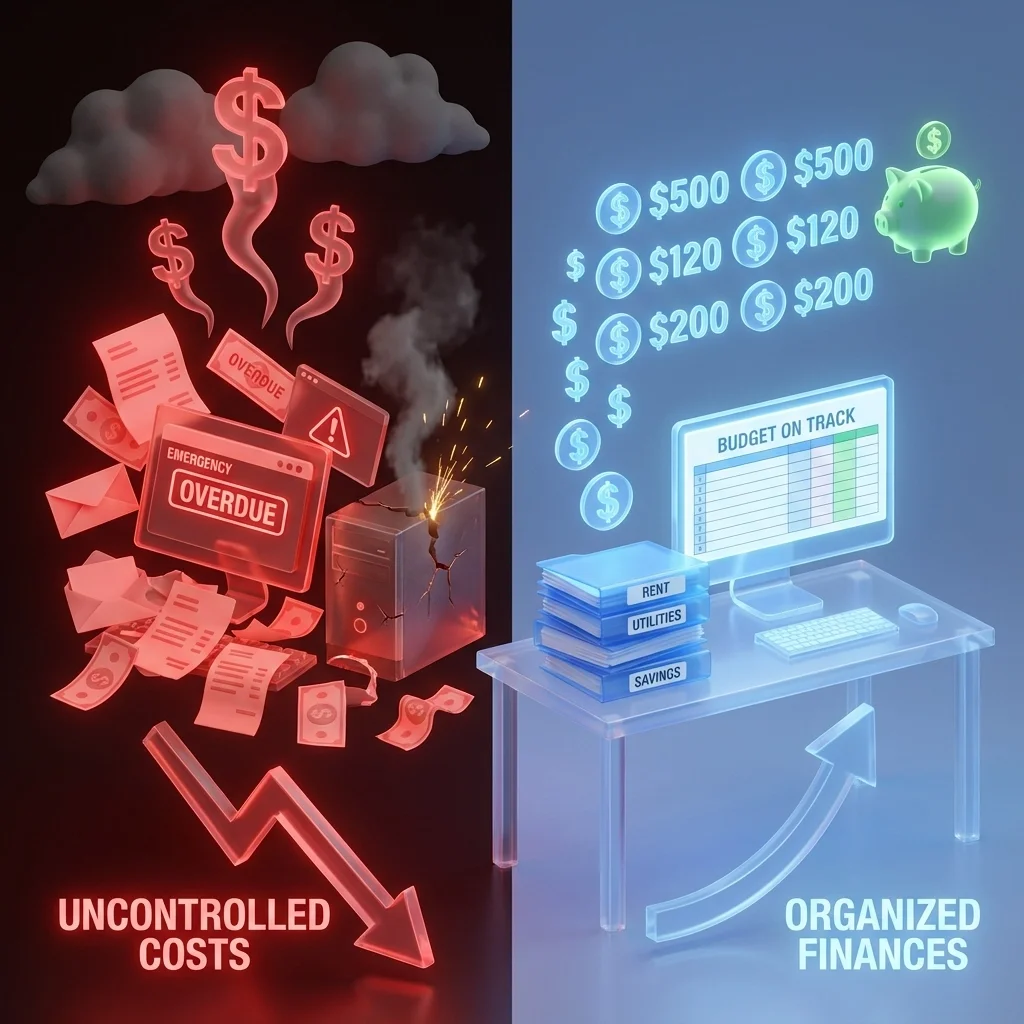
The reality check: A single major system failure during the holidays can cost more than an entire year of managed IT services. When you factor in lost sales, emergency repairs, and damaged customer relationships, managed services become the clear financial winner.
Holiday Season Scenarios: How Each Approach Handles Peak Pressure
Scenario 1: E-Commerce Traffic Surge on Cyber Monday
Panic Mode Response: Your website crashes at 10 AM when traffic increases 500%. You scramble to contact your web hosting company, but they're overwhelmed with similar calls. Your site stays down for 6 hours during peak shopping time. Lost revenue: $25,000
Managed Services Response: Your MSP's monitoring systems detect the traffic surge at 9:55 AM and automatically scale your server resources. Your site handles the increased load seamlessly. Lost revenue: $0
Scenario 2: Point-of-Sale System Failure During Weekend Rush
Panic Mode Response: Your retail POS system freezes on Saturday afternoon. No IT support is available until Monday morning. You process sales manually with paper receipts, creating inventory chaos and frustrated customers. Weekend sales down 40%
Managed Services Response: Your MSP receives automatic alerts about the POS issue and remotely resolves it within 15 minutes. Sales continue without interruption. No revenue loss
Scenario 3: Ransomware Attack During Year-End Processing
Panic Mode Response: Cybercriminals encrypt your customer database on December 20th. You discover the breach after customers complain about charged orders they never received. Emergency data recovery costs $8,000, plus legal fees and customer compensation. Total cost: $35,000
Managed Services Response: Advanced security monitoring detects suspicious network activity immediately and isolates the threat before any data is compromised. Damage prevented: $35,000
Why Growing Businesses Choose Managed IT Services for the Holidays
Growing businesses face unique challenges during peak season. You need systems that grow with you, not break under pressure.
Key advantages for growing companies:
• Scalable infrastructure that automatically adjusts to increased demand
• Expert compliance support for handling sensitive customer data during high-volume periods
• 24/7 technical support when your internal team is focused on core business growth
• Predictable IT budgets that don't spike during your most important revenue season
• Professional disaster recovery ensuring business continuity even during unexpected problems
Real-world success story: A growing online retailer was spending $3,000 monthly on emergency IT fixes during previous holiday seasons. After switching to managed services for $1,200 per month, they eliminated downtime completely and increased holiday revenue by 35% because their team could focus entirely on marketing and customer service instead of technical problems.

The reality check: A single major system failure during the holidays can cost more than an entire year of managed IT services. When you factor in lost sales, emergency repairs, and damaged customer relationships, managed services become the clear financial winner.
Holiday Season Scenarios: How Each Approach Handles Peak Pressure
Scenario 1: E-Commerce Traffic Surge on Cyber Monday
Panic Mode Response: Your website crashes at 10 AM when traffic increases 500%. You scramble to contact your web hosting company, but they're overwhelmed with similar calls. Your site stays down for 6 hours during peak shopping time. Lost revenue: $25,000
Managed Services Response: Your MSP's monitoring systems detect the traffic surge at 9:55 AM and automatically scale your server resources. Your site handles the increased load seamlessly. Lost revenue: $0
Scenario 2: Point-of-Sale System Failure During Weekend Rush
Panic Mode Response: Your retail POS system freezes on Saturday afternoon. No IT support is available until Monday morning. You process sales manually with paper receipts, creating inventory chaos and frustrated customers. Weekend sales down 40%
Managed Services Response: Your MSP receives automatic alerts about the POS issue and remotely resolves it within 15 minutes. Sales continue without interruption. No revenue loss
Scenario 3: Ransomware Attack During Year-End Processing
Panic Mode Response: Cybercriminals encrypt your customer database on December 20th. You discover the breach after customers complain about charged orders they never received. Emergency data recovery costs $8,000, plus legal fees and customer compensation. Total cost: $35,000
Managed Services Response: Advanced security monitoring detects suspicious network activity immediately and isolates the threat before any data is compromised. Damage prevented: $35,000
Why Growing Businesses Choose Managed IT Services for the Holidays
Growing businesses face unique challenges during peak season. You need systems that grow with you, not break under pressure.
Key advantages for growing companies:
• Scalable infrastructure that automatically adjusts to increased demand
• Expert compliance support for handling sensitive customer data during high-volume periods
• 24/7 technical support when your internal team is focused on core business growth
• Predictable IT budgets that don't spike during your most important revenue season
• Professional disaster recovery ensuring business continuity even during unexpected problems
Real-world success story: A growing online retailer was spending $3,000 monthly on emergency IT fixes during previous holiday seasons. After switching to managed services for $1,200 per month, they eliminated downtime completely and increased holiday revenue by 35% because their team could focus entirely on marketing and customer service instead of technical problems.
Windows 10 Is Dying in 2025: 7 Critical Steps to Protect Your Business During the Transition (Before Hackers Strike)

The clock has already struck midnight for Windows 10. Microsoft officially ended support on October 14, 2025, leaving millions of businesses vulnerable to cyberattacks, compliance issues, and operational disruptions. If your company is still running Windows 10, you're operating in a danger zone where every day increases your risk of a catastrophic security breach.
Your business computers will continue to function, but they're now sitting ducks for cybercriminals who exploit unpatched vulnerabilities. No more security updates. No more technical support. No more protection from emerging threats that target outdated systems.
The good news? You can still protect your business with strategic planning and immediate action. Here are seven critical steps that will safeguard your operations during this transition period and beyond.

Step 1: Conduct a Complete Windows 10 Device Audit
Start with visibility: you can't protect what you don't know exists. Your first priority is conducting a comprehensive inventory of every Windows 10 device across your organization.
Key audit activities include:
• Device identification - Document every computer, server, and workstation running Windows 10
• Edition verification - Identify Windows 10 Home, Pro, and Enterprise versions
• Hardware assessment - Check which devices meet Windows 11 system requirements
• Application mapping - List critical business software running on each machine
• User role analysis - Prioritize devices based on business-critical functions
Why this matters: Without a complete inventory, you'll miss vulnerable endpoints that hackers can exploit as entry points into your network. Many businesses discover forgotten workstations or legacy systems during audits: systems that become the weakest links in their security chain.
Pro tip: Use automated discovery tools or work with managed IT services to ensure you capture every device, including those used remotely by employees.
Step 2: Upgrade Compatible Devices to Windows 11 Immediately
Windows 11 is your primary defense against post-support vulnerabilities. Microsoft designed Windows 11 with enhanced security features specifically to address modern cyber threats.
Windows 11 upgrade benefits:
• Continuous security updates - Regular patches for newly discovered vulnerabilities
• Advanced threat protection - Built-in security improvements over Windows 10
• Performance optimization - Faster boot times and improved system efficiency
• Hardware security - TPM 2.0 and Secure Boot requirements enhance protection
• Long-term support - Years of continued updates and feature improvements
Migration strategy: Plan a phased rollout starting with business-critical systems, then move to general user workstations. Use Microsoft's Windows Backup tools to transfer files, settings, and applications seamlessly.
Important consideration: Some older devices may not meet Windows 11's hardware requirements. Document these devices for replacement planning in Step 6.

Step 3: Implement Extended Security Updates for Transition Protection
Buy yourself critical time with Extended Security Updates (ESU). Microsoft's consumer ESU program extends Windows 10 protection for up to one year after the October 14 deadline.
ESU program benefits:
• Security patch continuation - Critical vulnerability fixes for one additional year
• Compliance maintenance - Meet regulatory requirements during transition
• Phased migration support - Gradual upgrade schedule without rushing deployments
• Cost-effective bridge - Less expensive than emergency hardware replacement
• Business continuity - Maintain operations while planning comprehensive upgrades
ESU limitations to remember: This is a temporary solution, not a long-term strategy. Use this time wisely to plan and execute your complete Windows 11 migration or hardware replacement strategy.
Strategic approach: Apply ESU to devices that cannot immediately upgrade while prioritizing Windows 11 migration for compatible systems.
Step 4: Secure Your Microsoft 365 and Office Applications
Your productivity suite needs immediate attention during this transition. While Microsoft 365 Apps continue running on Windows 10, the combination creates potential security and performance risks.
Microsoft 365 protection strategy:
• Continued security updates - Microsoft provides Office security patches on Windows 10 until October 2028
• Performance optimization - Migrate to Windows 11 for optimal Office application performance
• Legacy Office risks - Office 2016 and 2019 (non-subscription) no longer receive updates
• Modern Office versions - Office 2021, 2024, and LTSC can run on Windows 10 but work better on Windows 11
• Cloud integration - Enhanced security features work best on supported operating systems
Critical action items: Audit your Office versions, upgrade legacy installations to Microsoft 365, and prioritize Windows 11 migration for heavy Office users.
Compliance note: Many industries require supported software versions. Unsupported Office versions may create compliance violations.

Step 5: Strengthen Your Cybersecurity Posture Immediately
Your Windows 10 devices are now high-value targets for cybercriminals. Without Microsoft security patches, you must implement additional protective layers immediately.
Enhanced security measures:
• Advanced antivirus deployment - Go beyond Windows Defender with enterprise-grade protection
• Multi-factor authentication - Require MFA for all business applications and systems
• Network monitoring enhancement - Implement 24/7 monitoring for suspicious activities
• Regular security audits - Conduct weekly vulnerability assessments
• Employee security training - Educate staff about increased phishing and malware risks
• Backup system verification - Ensure reliable data recovery capabilities
• Network segmentation - Isolate Windows 10 devices from critical business systems
Threat landscape reality: Cybercriminals specifically target unsupported systems because they know vulnerabilities won't be patched. Your Windows 10 devices are now marked targets.
Managed IT advantage: Professional cybersecurity services provide continuous monitoring, threat detection, and rapid response capabilities that most businesses cannot maintain internally.
Step 6: Execute Strategic Hardware Replacement Planning
Some devices simply cannot upgrade to Windows 11: these need immediate replacement. Older hardware lacking TPM 2.0 chips, sufficient RAM, or compatible processors must be replaced with Windows 11-ready systems.
Hardware replacement strategy:
• Compatibility assessment - Identify devices that cannot run Windows 11
• Business priority ranking - Replace critical business systems first
• Budget planning - Spread costs across fiscal periods with phased replacement
• Trade-in programs - Leverage Microsoft and partner trade-in offers for cost reduction
• Recycling compliance - Ensure secure data destruction and environmental compliance
• Procurement optimization - Bulk purchasing for better pricing and consistency
Financial planning tip: Many businesses qualify for trade-in credits and recycling programs that significantly reduce replacement costs. Microsoft and hardware partners offer programs specifically for Windows 10 transition scenarios.
Security consideration: Old devices contain sensitive business data. Work with IT professionals to ensure complete data destruction before disposal.
Step 7: Implement Comprehensive Data Migration and Backup Strategy
Protect your business data throughout the transition process. Hardware failures, migration errors, and cyberattacks can destroy critical business information during operating system transitions.
Data protection essentials:
• Complete data backup - Full system backups before any migration activity
• Cloud backup integration - Automated cloud storage for critical business files
• Application data preservation - Ensure business software data transfers correctly
• User profile migration - Maintain employee settings, preferences, and customizations
• Testing and verification - Confirm data integrity after each migration step
• Rollback planning - Prepare recovery procedures if migrations fail
• Documentation standards - Record all migration steps and configurations
Business continuity focus: Plan migrations during low-activity periods and maintain backup systems operational during transitions. Consider working in phases to minimize business disruption.

Why Choose TekkEez for Your Windows 10 Transition?
Expert transition management minimizes risk and maximizes efficiency. Our team provides comprehensive Windows 10 migration services that protect your business while maintaining operational continuity.
Our proven transition process includes:
• Comprehensive device auditing - Complete inventory and compatibility assessment
• Phased migration planning - Strategic upgrade schedules that minimize disruption
• Enhanced cybersecurity implementation - Advanced protection during vulnerable transition periods
• Data migration expertise - Secure, verified data transfers with backup protection
• Hardware procurement assistance - Cost-effective replacement planning and implementation
• Ongoing support and monitoring - Continued protection after migration completion
Ready to protect your business during the Windows 10 transition? Contact TekkEez today for a comprehensive assessment and customized migration strategy.
Don't wait until hackers strike. Every day your business runs unsupported Windows 10 increases your vulnerability to cyberattacks, compliance violations, and operational failures. Take action now to secure your business future.
Focus on growing your business( let TekkEez handle your IT security.)
Are Boring IT Meetings Dead? How 5 Smart Law Offices Turned Network Management Into a Fun Team Activity
The dreaded IT meeting. You know the one: where half the team zones out while someone drones on about network updates, and the other half frantically checks their phones. But what if we told you that five innovative law offices have completely revolutionized how they handle IT discussions and network management?
These forward-thinking firms discovered that when you make technology discussions engaging and interactive, something magical happens: your team actually pays attention, retention improves, and your entire office becomes more tech-savvy and security-conscious.
Why Traditional IT Meetings Fail Spectacularly
Before we dive into the success stories, let's address the elephant in the room. Traditional IT meetings fail because they're:
• Purely one-directional: Someone talks, everyone else pretends to listen
• Loaded with technical jargon: Complex terminology that makes non-technical staff feel excluded
• Focused on problems without solutions: Discussing what's broken without actionable next steps
• Scheduled at inconvenient times: Often squeezed into already packed schedules
• Lacking visual engagement: PowerPoint slides filled with text and confusing diagrams
The result? Your team walks away confused, frustrated, and no better prepared to handle the technology that powers their daily work.

Case Study #1: Peterson & Associates - The Cybersecurity Game Show
The Challenge: This 25-attorney firm was struggling with phishing attacks and password security. Traditional security training sessions were putting people to sleep.
The Solution: They transformed their monthly IT meetings into "Cyber Jeopardy" sessions. The IT team created categories like "Phishing Fails," "Password Power," and "Email Etiquette," with questions ranging from basic to advanced.
The Results:
• 89% attendance rate (up from 45% in traditional meetings)
• Zero successful phishing attacks in the six months following implementation
• Staff actively requesting additional cybersecurity training
• Improved team collaboration as attorneys from different practice areas worked together
"Our paralegals are now spotting suspicious emails better than some of our senior partners," laughs Managing Partner Sarah Peterson. "Who knew learning about cybersecurity could be this engaging?"
Case Study #2: Mitchell Law Group - The Network Health Dashboard
The Challenge: This boutique intellectual property firm needed to keep their team informed about network performance and upcoming maintenance without boring them to tears.
The Solution: They created a visual "Network Health Dashboard" displayed on lobby monitors, combined with brief weekly "Tech Talk Tuesdays" where different team members present one IT tip or update in under five minutes.
Key Innovation Elements:
• Color-coded system status: Green, yellow, and red indicators that anyone can understand at a glance
• Rotating presenter schedule: Everyone gets a turn, from receptionists to senior partners
• Prize system: Monthly awards for best presentation and most improved tech skills
• Interactive Q&A sessions: Encouraging questions and real-world scenarios
The Impact: Network downtime decreased by 40% because staff proactively reported issues early, and the firm saw a 60% improvement in software adoption rates.
Case Study #3: Rodriguez & Partners - The IT Escape Room
The Challenge: This criminal defense firm needed to train their team on new case management software and network protocols, but traditional training wasn't sticking.
The Solution: They partnered with TekkEez to create monthly "IT Escape Room" challenges where teams solve puzzles related to software functions, network security, and data management to "escape" within 30 minutes.

What Made It Work:
• Team-based learning: Groups of 4-5 people working together to solve challenges
• Real-world scenarios: Puzzles based on actual tasks they perform daily
• Progressive difficulty: Starting simple and building to more complex challenges
• Immediate feedback: Instant correction and explanation when teams make mistakes
• Celebration of success: Winners get recognition and small prizes
"We went from having to repeat software training three times to having people master new features in a single session," reports IT Manager Carlos Rodriguez. "The competitive element makes everyone want to learn."
Case Study #4: Thompson Legal Services - The Peer-to-Peer Tech Mentoring System
The Challenge: This family law practice had a significant technology skill gap between younger and older staff members, creating friction and inefficiency.
The Solution: They implemented a "Tech Buddy" system where tech-savvy team members partner with less experienced colleagues for monthly learning sessions that feel more like coffee chats than formal training.
Program Structure:
• Voluntary participation: No pressure, just encouragement
• Flexible scheduling: Sessions happen when convenient for both parties
• Practical focus: Learning centers on daily tasks and immediate needs
• Two-way learning: Tech buddies also learn about efficient workflows and best practices
• Progress tracking: Simple checklists to celebrate improvements
The Results: Staff satisfaction scores increased by 35%, and the firm reduced IT support tickets by 50% as team members became more self-sufficient.
Case Study #5: Alexander & Kim LLP - The Monthly IT Innovation Challenge
The Challenge: This growing corporate law firm wanted to keep their team engaged with evolving technology and encourage innovative thinking about workflow improvements.
The Solution: They launched monthly "Innovation Challenges" where staff identify technology problems and propose solutions, with winning ideas getting implemented and recognized.
Challenge Categories:
• Efficiency Improvements: Finding ways to streamline existing processes
• Security Enhancements: Identifying potential vulnerabilities and solutions
• Communication Tools: Better ways to collaborate internally and with clients
• Automation Opportunities: Tasks that could benefit from AI or automation
• Cost-Saving Measures: Technology decisions that improve the bottom line

"Our receptionist proposed an automated client intake system that saved us 10 hours per week," explains Partner Jennifer Alexander. "When you give people ownership of technology decisions, they become invested in making them work."
The Science Behind Why These Approaches Work
These law offices didn't accidentally stumble onto success. Their approaches tap into fundamental principles of adult learning and engagement:
• Active participation increases retention by up to 90% compared to passive listening
• Social learning leverages peer influence and creates accountability
• Gamification triggers dopamine release, making learning genuinely enjoyable
• Immediate application helps transfer knowledge from short-term to long-term memory
• Recognition systems satisfy the human need for achievement and status
Implementing These Strategies in Your Law Office
Ready to transform your own IT meetings? Here's how to get started:
Start Small:
• Choose one element from these case studies that resonates with your team
• Test it for 2-3 months before expanding to other approaches
• Gather feedback and adjust based on what your team enjoys most
Get Leadership Buy-In:
• Present the business case: Improved security, reduced downtime, increased efficiency
• Share success metrics from these case studies
• Start with voluntary participation to build momentum
Partner with IT Professionals:
Working with a managed IT services provider like TekkEez can help you design and implement these engaging approaches while ensuring technical accuracy. Our team specializes in making complex technology accessible and engaging for legal professionals.

Why This Matters for Your Firm's Future
Technology isn't slowing down. The law firms that thrive in the coming years will be those that help their teams embrace and master new tools with confidence and enthusiasm.
The firms that make IT engaging see:
• 40% fewer security incidents due to improved awareness
• 25% higher productivity from better software adoption
• 60% reduction in IT support tickets as staff become more self-sufficient
• Improved employee satisfaction and retention rates
• Better client service through more efficient technology use
Ready to Transform Your IT Meetings?
Stop accepting boring, ineffective IT meetings as inevitable. Your team deserves engaging, practical technology discussions that actually improve their daily work experience.
Contact TekkEez today to discover how we can help you implement these innovative approaches in your law office. Our team specializes in creating engaging IT solutions that legal professionals actually enjoy using.
Visit our consulting services page to learn more about our approach to making technology work better for law firms, or check out our AI automation solutions that can streamline many of the processes discussed by these innovative firms.
Focus on practicing law: let us make your technology meetings something your team actually looks forward to attending.
Disney-Style Cybersecurity: Why Small Businesses Are Making Security Training Fun (And You Should Too)

Traditional cybersecurity training is broken. Your employees dread it, they forget it, and frankly, it's not protecting your business. But what if we told you that companies like Disney have cracked the code on making security training so engaging that employees actually share it with their friends?
The old-school approach of cramming 60 minutes of dry compliance content into overwhelmed brains is failing businesses everywhere. Meanwhile, smart organizations are borrowing techniques from the entertainment industry to create training that's memorable, effective, and: dare we say it: fun.
The Problem with Boring Security Training
Standard cybersecurity training assumes employees can absorb one piece of information every two minutes for a solid hour. That's 30 separate learning points crammed into a single session. No wonder people's eyes glaze over.
Here's the harsh reality: your current training approach is setting your business up for failure. When employees can't remember what they learned, they can't apply it when a real threat appears in their inbox.
The disconnect is massive: Security professionals design training one way, but employees: who consume Netflix, YouTube, and TikTok daily: have completely different expectations for quality content.

How Disney Revolutionized Security Training (And Why It Matters to Your Business)
Disney didn't just improve their cybersecurity training: they completely reimagined it by applying their core strength: storytelling and entertainment.
Instead of relying on generic, vendor-provided content, Disney developed an in-house approach that mirrored television and film production. Their strategy was brilliant in its simplicity:
• Short, engaging video formats that avoid information overload
• Entertainment-grade production quality with actual Hollywood involvement
• Genuine storytelling that makes content memorable and entertaining
Disney created 2-3 minute live-action videos for quick reinforcement moments, paired with slightly longer 4-5 minute animated videos that explored concepts in greater depth. One initial video featuring Mark Hamill in voice-over went viral internally, accumulating nearly 20,000 views and generating employee sharing across social platforms.
The results? Anonymous surveys showed that 80% or more of employees who viewed specific training content reported actual behavior changes, such as adjusting their social media privacy settings.
Why Small Businesses Need This Approach More Than Anyone
Small businesses are actually more vulnerable to cyber attacks than large enterprises. This isn't just our opinion: it's backed by data. Criminals specifically target smaller organizations because they typically have:
• Smaller cybersecurity budgets making comprehensive protection harder
• Limited IT expertise on staff to recognize and respond to threats
• Fewer security layers protecting critical business data
• Less frequent security updates and patch management
Your business has valuable assets that criminals want: employee and customer data, financial information, business communications, and potentially trade secrets. All of this requires protection, and your employees are your first line of defense.

Key Principles for Making Security Training Actually Work
Make It Ongoing, Not One-Time
Learning about cybersecurity is complex, and a single training session creates false security. Regular, reinforced learning improves retention and reduces information overload. Think of it like physical fitness: you wouldn't expect to get in shape with one workout.
Avoid Fear-Based Motivation
Fear backfires spectacularly. While it might seem like a powerful motivator, fear-based training discourages employees from reporting issues or admitting mistakes due to fear of consequences. Instead, approach training with confidence in your employees' ability to succeed and emphasize their responsibility to protect the company.
Use Strategic Engagement Mechanisms
Gamification works when done right. Interactive quizzes, progress tracking, and friendly leaderboards make training more engaging while measuring its effectiveness. The key is making it feel like a game, not a test.
Secure Executive Buy-In from the Top
Training effectiveness improves dramatically when it's positioned as a mandatory, top-down initiative championed by company leadership, ideally including the CEO. This signals its importance to the entire organization and ensures adequate resources.
Create Industry-Relevant Content
Generic templates waste everyone's time. Your training should address the specific threats and scenarios relevant to your business and team. A law office faces different risks than a medical practice or construction company.

The Business Case for Fun Training
Companies adopting this Disney-inspired approach see measurable improvements:
• Higher completion rates with fewer follow-up reminders required
• Improved information retention leading to better threat recognition
• Positive employee feedback instead of training complaints
• Actual behavior changes that reduce security incidents
• Cost savings from fewer security breaches and IT emergencies
The fundamental insight is simple but powerful: people retain information better when they're entertained. By treating cybersecurity training as a content challenge worthy of creative energy: rather than a compliance checkbox: organizations dramatically improve both engagement and actual behavior change.
How to Get Started with Fun Security Training
Step 1: Audit Your Current Training
Honestly assess your existing program. How long is it? How often do employees complete it on time? What's the feedback? If you're seeing low engagement or frequent security incidents, it's time for a change.
Step 2: Set Clear, Measurable Goals
Define what success looks like. This might include completion rates, employee feedback scores, phishing simulation results, or incident reduction targets. You can't improve what you don't measure.
Step 3: Choose Your Content Strategy
You have several options:
• Partner with specialized providers who create Hollywood-style security content
• Develop short, scenario-based videos relevant to your industry
• Use gamified platforms that make learning interactive and competitive
• Combine multiple approaches for maximum engagement
Step 4: Get Leadership Involvement
Make it clear that security training is a priority. When the CEO or business owner demonstrates the importance of cybersecurity education, employees take it seriously.

Real-World Implementation for Small Businesses
You don't need Disney's budget to implement these principles. Start small and build momentum:
• Create 2-3 minute scenario videos using your smartphone and basic editing software
• Use real examples from your industry or actual incidents (anonymized)
• Make it conversational and relatable to your team's daily work
• Include interactive elements like quick quizzes or discussion points
• Schedule regular refreshers rather than annual marathon sessions
The key is consistency over perfection. A simple, engaging 3-minute monthly video will be more effective than an elaborate annual presentation.
Why This Matters Right Now
Cybersecurity threats are evolving rapidly. AI-powered deepfake attacks and sophisticated social engineering techniques require employees who are genuinely engaged and educated about current threats.
Traditional training approaches leave your business vulnerable because they fail to create lasting behavioral change. Fun, engaging training isn't just nice to have: it's a competitive advantage that protects your business while building a security-conscious culture.
Take Action Today
Your cybersecurity is only as strong as your least-trained employee. By making security training engaging, memorable, and relevant, you're not just checking a compliance box: you're building a human firewall that adapts and improves over time.
Ready to transform your cybersecurity training from a dreaded chore into something your team actually values? Contact TekkEez today to learn how we can help you implement engaging, effective security training that protects your business while respecting your employees' time and intelligence.
Because when security training is done right, everyone wins.
Stop Wasting Time on Manual Tasks: 10 AI Automation Ideas That Will Transform Your Law Office (or Any Professional Service)
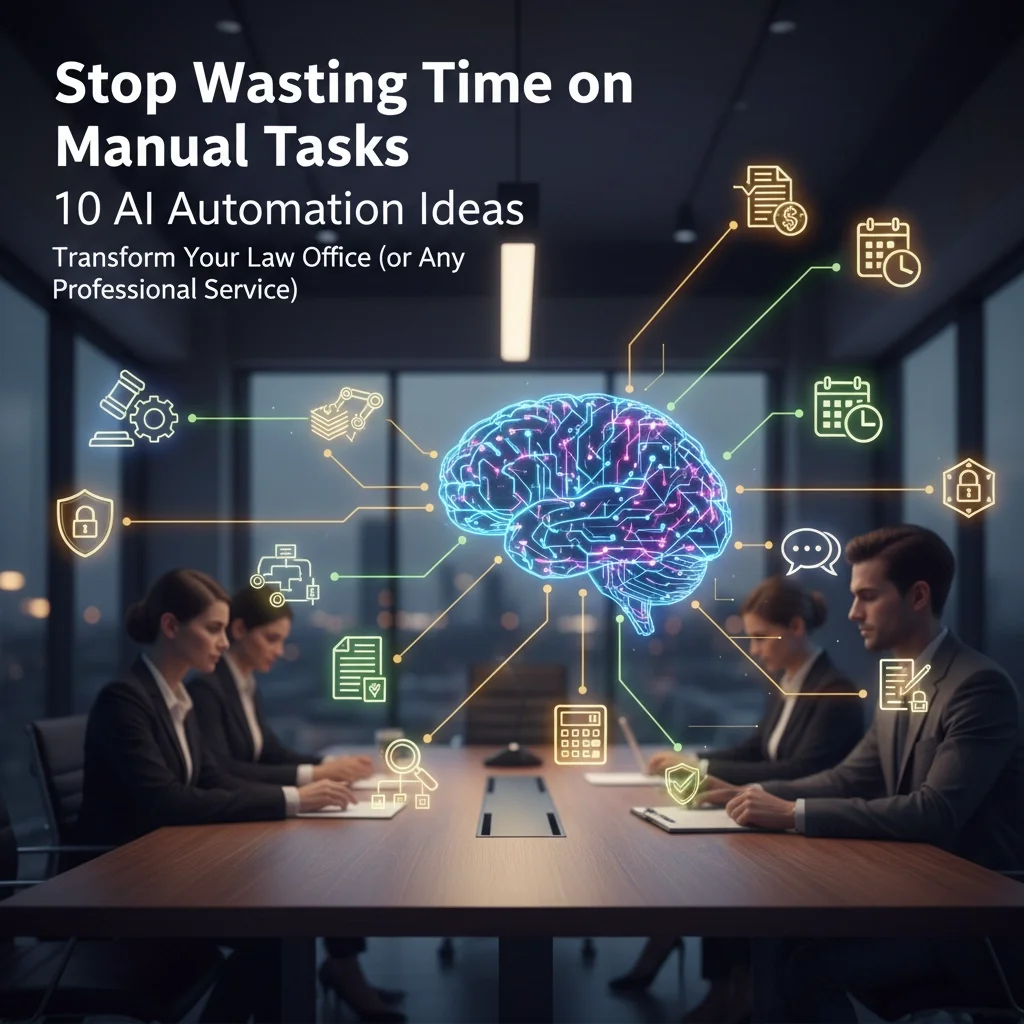
The average professional spends 21 hours per week on administrative tasks that could be automated. For law firms and professional services, this translates to thousands of billable hours lost annually to routine, repetitive work that technology can handle more efficiently.
AI automation isn't about replacing professionals: it's about amplifying their capabilities. Smart firms are already using artificial intelligence to eliminate time-consuming manual processes, reduce errors, and free their teams to focus on high-value client work and strategic decision-making.
Whether you're running a law office, accounting firm, consulting practice, or any professional service business, these 10 AI automation strategies will transform how you operate, deliver faster results for clients, and dramatically improve your bottom line.
1. Document Drafting and Generation
Transform hours of writing into minutes of customization. AI-powered document generation tools can instantly create initial drafts of contracts, NDAs, wills, proposals, and routine correspondence.
How it works:
Input key details like client names, dates, and specific terms
AI generates complete documents using your firm's templates and language preferences
Review and customize the output instead of starting from scratch
Maintain consistent formatting and reduce errors from manual typing
Real-world impact: Husch Blackwell law firm saved thousands of attorney hours annually by using AI for routine document drafting, allowing lawyers to focus on complex legal strategy rather than boilerplate language.

2. Contract Review and Analysis
Stop spending entire days reviewing contracts manually. AI contract analysis platforms can examine hundreds of pages in minutes, identifying high-risk clauses, missing provisions, and unusual terms with remarkable accuracy.
Key capabilities:
Risk assessment: Automatically flags potentially problematic clauses
Compliance checking: Ensures contracts meet regulatory requirements
Comparison analysis: Identifies deviations from standard terms
Missing element detection: Spots absent indemnity clauses or critical provisions
During mergers and acquisitions, firms use AI to instantly flag critical issues across thousands of documents, transforming weeks of manual review into hours of strategic analysis.
3. Automated Email Management and Filing
End the chaos of misfiled documents and lost communications. AI systems can automatically sort, categorize, and file emails and attachments into the correct client folders within your document management system.
Benefits include:
Consistent organization: Applies firm filing rules without human error
Time savings: Eliminates manual sorting and filing tasks
Improved searchability: Creates properly tagged documents for easy retrieval
Reduced liability: Prevents important communications from being overlooked
This automation ensures critical client communications are always accessible and properly organized, even during busy periods or staff transitions.
4. Legal Research and Case Law Analysis
Cut research time from hours to minutes. AI-powered research assistants can analyze hundreds of legal cases instantly, identifying relevant precedents, statutes, and legal summaries based on your specific case factors.
Advanced research capabilities:
Pattern recognition: Finds cases with similar fact patterns and outcomes
Jurisdiction filtering: Focuses on applicable local and federal law
Citation verification: Ensures cases are current and valid
Argument building: Suggests legal theories based on successful precedents
This technology allows attorneys to build stronger legal arguments faster, improving case outcomes while reducing research costs.

5. Intelligent Time Tracking and Billing
Capture every billable minute without manual entry. AI-powered time tracking analyzes your calendar events, emails, and document activity to automatically log billable hours with remarkable accuracy.
Automated billing features:
Activity monitoring: Tracks time spent on documents, emails, and calls by client
Smart categorization: Assigns activities to appropriate billing codes
Invoice generation: Creates detailed, compliant invoices automatically
Expense tracking: Captures and categorizes business expenses
Firms report six-figure savings from reduced billing errors and improved time capture accuracy, plus significant reductions in administrative overhead.
6. Client Intake and Communication Automation
Never miss a potential client again. AI chatbots and virtual assistants handle initial client inquiries, intake forms, and routine communications 24/7, ensuring prospects receive immediate responses regardless of office hours.
Client service automation:
Intelligent chatbots: Answer common questions and schedule consultations
Intake form processing: Collect and organize client information automatically
Follow-up sequences: Send appointment reminders and status updates
Lead qualification: Route high-priority prospects to appropriate attorneys
This ensures consistent, professional client communication while freeing staff to focus on complex client needs and relationship building.
7. Document Automation and Assembly
Generate perfect court filings every time. AI document assembly creates standardized legal documents and court filing bundles based on case data input, automatically applying proper formatting and local court rules.
Court filing automation:
Discovery drafting: Generates RFAs, RFPs, and interrogatories tailored to specific jurisdictions
Caption formatting: Applies correct case numbers, court formatting, and legal citations
Rule compliance: Ensures filings meet local court requirements
Bundle creation: Assembles complete filing packages with exhibits and supporting documents
This eliminates formatting errors and ensures consistent compliance with court requirements across multiple jurisdictions.

8. Meeting and Communication Summarization
Transform hours of notes into actionable insights. AI can summarize lengthy email threads, meeting transcripts, and client communications into brief, focused memos automatically.
Summarization capabilities:
Key point extraction: Identifies decisions, action items, and critical information
Tone customization: Adjusts detail level and writing style based on audience
Timeline creation: Organizes chronological case developments
Action item tracking: Highlights follow-up tasks and deadlines
This allows professionals to quickly understand complex situations and communications without spending valuable time reading through extensive documentation.
9. Contract Compliance and Obligation Tracking
Never miss a critical deadline or obligation again. AI-powered legal compliance systems provide instant notifications about regulatory updates and help track changing requirements across multiple locations and practice areas.
Compliance management:
Deadline monitoring: Tracks contract renewal dates, court deadlines, and regulatory filing requirements
Regulatory updates: Monitors changes in relevant laws and regulations
Multi-location tracking: Manages compliance across different jurisdictions
Risk assessment: Identifies potential compliance gaps before they become problems
For firms managing compliance across multiple locations, this technology ensures legal obligations are met consistently and efficiently.
10. E-Discovery and Evidence Management
Handle massive case files with ease. AI-powered e-discovery platforms automate the overwhelming task of managing vast amounts of evidence and case materials, organizing files and identifying relevant evidence quickly while maintaining strict data privacy standards.
Evidence management features:
Document classification: Automatically categorizes evidence by relevance and privilege
Keyword analysis: Identifies critical communications and documents
Duplicate elimination: Removes redundant files to streamline review
Privacy protection: Ensures sensitive information is properly secured
This transforms what used to be slow, manual evidence review into a structured, manageable process that significantly reduces discovery costs and timelines.
Real-World Results: The Numbers Don't Lie
Professional services firms implementing AI automation report dramatic improvements across key performance metrics:
Time savings: Document automation alone provides approximately 70% time reduction while preventing costly errors and inconsistencies.
Cost reductions: One firm reduced contract drafting time from days to 30 minutes while achieving 90% cost savings on contract creation processes.
Accuracy improvements: AI contract review achieved 90% accuracy in just 3 minutes, compared to 4 hours for manual review at 86% accuracy.
Revenue growth: Firms report increased billable hour capacity and improved client satisfaction due to faster turnaround times and reduced errors.
Ready to Transform Your Professional Practice?
The legal and professional services landscape is evolving rapidly. Firms that embrace AI automation now will gain significant competitive advantages in efficiency, accuracy, and client service quality.
TekkEez specializes in implementing AI automation solutions for professional services firms. Our expert team understands the unique challenges of legal practices, accounting firms, and consulting businesses, providing tailored automation strategies that deliver measurable results.
Don't let manual processes hold your practice back. Contact TekkEez today to discover how AI automation can transform your operations, reduce costs, and free your team to focus on what matters most: serving your clients and growing your business.
Ready to automate your success? Let's make it happen.
AI Deepfake Attacks Are Targeting Small Businesses: 7 Signs Your Cybersecurity Isn't Ready (And How to Fix It)

The cybersecurity landscape has fundamentally shifted, and small businesses are facing a threat that sounds like science fiction but delivers very real financial devastation. AI-powered deepfake attacks are now targeting organizations of every size, with criminals using sophisticated voice and video cloning technology to impersonate executives, bypass security systems, and trick employees into transferring millions of dollars.
The barrier to entry has collapsed: creating a convincing deepfake now costs as little as $1.33, while the average damage per incident reaches nearly $500,000. One Hong Kong finance firm lost $25 million when employees participated in what they believed was a legitimate video conference with their Chief Financial Officer: who was entirely AI-generated.
This isn't a future threat. Deepfake incidents are happening now, and most small businesses are completely unprepared.
The Alarming Scale of AI-Powered Cybercrime
Deepfake files surged from 500,000 in 2023 to a projected 8 million in 2025, representing a growth rate that outpaces traditional cybersecurity defenses. The statistics paint a disturbing picture:
• 3,000% spike in fraud attempts utilizing deepfake technology in 2023
• 83% of phishing emails are now AI-generated according to KnowBe4's 2025 Phishing Trends Report
• 72% open rate for generative AI phishing emails: nearly double traditional phishing success rates
• $193 billion projected global cost of AI-driven cybercrime in 2025
• $5.72 million average cost per AI-related security breach

These numbers represent more than statistics: they represent businesses destroyed, employees fired, and entrepreneurs watching years of hard work evaporate in minutes. The question isn't whether your business will face an AI-powered attack, but whether you'll be ready when it happens.
7 Critical Signs Your Cybersecurity Isn't Ready for AI Attacks
1. No AI Access Controls in Your Organization
97% of organizations experiencing AI-related security incidents had not implemented AI access controls. This represents the most dangerous gap in modern cybersecurity infrastructure.
What this looks like:
• No policies governing employee use of AI tools
• Unrestricted access to company data through AI platforms
• No monitoring of AI-generated content entering your systems
• Lack of token theft protection protocols
The immediate risk: Employees unknowingly expose sensitive data through AI platforms, while attackers use compromised AI access to gather intelligence for targeted deepfake attacks.
2. Outdated Employee Training Programs
Your team remains the first line of defense, but traditional "think before you click" training is now dangerously inadequate. If your cybersecurity training doesn't specifically address AI-powered social engineering, your employees are vulnerable to sophisticated manipulation tactics.
Warning signs include:
• Training focused only on traditional phishing emails
• No education about voice cloning or video deepfakes
• Employees unable to identify AI-generated content
• No protocols for verifying unusual requests from leadership
3. Weak Multi-Factor Authentication Implementation
Attackers now use token theft and spoofing techniques that can bypass basic MFA configurations. Simply having multi-factor authentication is no longer sufficient protection against sophisticated AI-powered attacks.
Your MFA may be inadequate if:
• Not deployed organization-wide
• Using SMS-based authentication only
• No hardware security keys for critical accounts
• Infrequent authentication reviews and updates

4. Limited IT Resources and Security Expertise
Small businesses with constrained IT budgets face exponentially higher risk because they struggle to implement and maintain advanced security controls. This resource gap directly correlates with successful breach attempts.
This manifests as:
• No dedicated cybersecurity personnel
• Deferred system maintenance and updates
• Inadequate security tool implementation
• Inability to monitor for emerging threats
5. No Documented Deepfake Response Plan
Organizations need specific protocols for deepfake incidents, just as they maintain breach notification procedures. Without a coordinated response strategy, the impact of an attack multiplies through confusion and delayed action.
You're unprepared if you lack:
• Clear escalation procedures for suspicious communications
• Designated personnel for incident response
• Out-of-band verification protocols
• Post-incident analysis procedures
6. No Out-of-Band Communication Verification
Modern deepfake technology can perfectly clone executive voices and appearances in real-time video calls. If your organization hasn't implemented policies requiring independent verification of unusual requests, employees may act on fraudulent instructions.
This vulnerability exists when:
• Financial transfers require only email or chat authorization
• No secondary communication channels for verifying sensitive decisions
• Employees lack training on verification procedures
• No "trust but verify" culture for leadership requests
7. Absence of AI Detection Systems
Real-time AI detection capability is becoming essential for identifying synthetic content before it causes damage. Without detection tools specifically designed to catch AI-generated communications, your business operates blind to sophisticated attacks.
You lack adequate detection if:
• No tools for identifying AI-generated voice, video, or text
• No real-time monitoring of incoming communications
• No integration between detection systems and security protocols
• No regular testing of detection capabilities

How to Fix Your Cybersecurity Posture Against AI Attacks
Implement Comprehensive AI Governance
Establish immediate controls over AI tool usage within your organization. Create policies that govern how employees access AI platforms, what data can be shared, and how AI-generated content is monitored and verified.
Essential steps include:
• Document approved AI tools and usage guidelines
• Implement access logging for all AI platform interactions
• Train employees on data protection when using AI services
• Regular audits of AI tool usage and data exposure
Upgrade Your Authentication Infrastructure
Deploy stronger authentication methods that can withstand token theft and sophisticated bypass attempts. This goes beyond basic MFA to include hardware security keys and passwordless authentication where feasible.
Priority implementations:
• Hardware security keys for all administrative accounts
• Passwordless authentication for critical systems
• Regular MFA configuration audits and updates
• Organization-wide deployment with no exceptions
Develop and Test Your Deepfake Response Plan
Create a documented protocol that your team can execute immediately when suspicious communications are detected. This plan should include specific roles, communication procedures, and verification methods.
Your plan must include:
• Clear definitions of communications requiring verification
• Designated response personnel with specific responsibilities
• Out-of-band verification procedures using known contact methods
• Communication protocols during active incidents
• Post-incident analysis and improvement procedures
Establish Mandatory Verification Procedures
Implement a "trust but verify" culture for sensitive requests, especially those involving financial transfers or confidential information sharing. This simple step can prevent millions in losses.
Verification protocols should require:
• Phone verification using known numbers for financial requests
• In-person confirmation for major business decisions
• Secondary approval for unusual leadership directives
• Documentation of all verification attempts

Deploy AI Detection Technology
Invest in detection solutions capable of identifying AI-generated content in real time. These systems analyze communications for signs of synthetic generation and provide immediate alerts.
Essential detection capabilities:
• Real-time voice analysis for phone and video calls
• Video authenticity verification for video conferences
• Text analysis for AI-generated emails and messages
• Integration with existing security systems for automated response
Strengthen Third-Party Security
Conduct security assessments of critical vendors and service providers. Attackers often compromise organizations through third-party relationships, making vendor security a crucial component of your defense strategy.
Take Action Before It's Too Late
The deepfake threat is not hypothetical for small businesses in 2025: it's operational and actively targeting organizations like yours. Every day you delay implementing these protections increases your risk exposure to attacks that can destroy businesses in minutes.
At TekkEez, we specialize in helping small and medium businesses implement comprehensive cybersecurity solutions that protect against AI-powered threats. Our expert team provides fast, reliable security assessments, implementation services, and ongoing monitoring to ensure your business stays protected.
Don't wait for an attack to realize your vulnerabilities. Contact TekkEez today for a comprehensive cybersecurity assessment and let us help you build defenses that can withstand the sophisticated threats of 2025 and beyond.
Ready to protect your business from AI-powered attacks? Contact our cybersecurity experts today for a free security assessment and discover how we can strengthen your defenses against deepfake threats.
Network Management 101: A Beginner's Guide to Mastering Business IT Without Breaking Your Budget
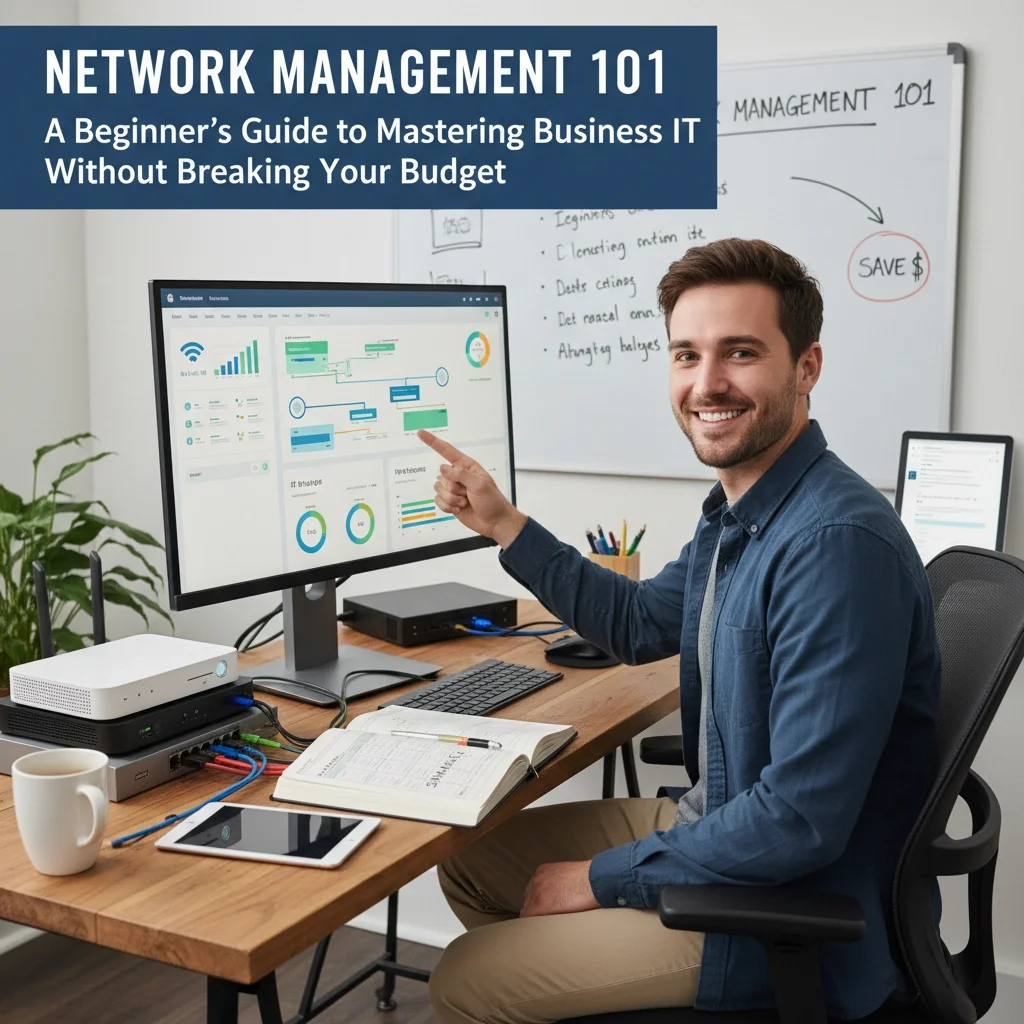
Your business network is the backbone of your operations, connecting every device, application, and workflow that keeps your company running. Yet 45% of IT professionals admit they don't fully understand their own network configuration: a knowledge gap that costs businesses thousands in downtime, security breaches, and inefficient operations.
Network management doesn't require a massive budget or enterprise-level expertise. With the right approach, your business can build, monitor, and maintain a robust network infrastructure that grows with your needs while protecting your bottom line.
What Is Network Management?
Network management encompasses three critical functions that keep your business technology running smoothly: discovering what devices connect to your network, monitoring their performance in real-time, and analyzing data to prevent problems before they impact your operations.
Think of network management as the central nervous system of your business technology. Every computer, printer, router, and smart device communicates through your network, and proper management ensures these conversations happen efficiently and securely.
Core Network Management Functions:
• Device Discovery - Automatically identifying and cataloging every device on your network
• Performance Monitoring - Tracking bandwidth usage, connection speeds, and system health
• Fault Detection - Spotting problems before they cause downtime or security breaches
• Configuration Management - Ensuring devices maintain optimal settings and security protocols
• Security Oversight - Protecting against unauthorized access and cyber threats
Essential Network Components Every Business Needs
Building an effective business network requires understanding five fundamental components that work together to create reliable, secure connectivity.

Router: Your Network's Traffic Director
Your router serves as the central hub that directs data between devices and connects your business to the internet. Modern routers combine multiple functions: routing, firewall protection, and wireless access: making them cost-effective solutions for growing businesses.
DHCP Server: Automated IP Address Management
Dynamic Host Configuration Protocol automatically assigns IP addresses to devices joining your network. This automation eliminates manual configuration errors and streamlines device connectivity across your organization.
DNS Server: The Internet's Address Book
Domain Name System servers translate website names into IP addresses, enabling seamless internet access. While you can use public DNS servers, local DNS management provides faster response times and better control over your network traffic.
Firewall: Your First Line of Defense
Firewalls monitor incoming and outgoing network traffic, blocking unauthorized access while allowing legitimate business communications. Modern firewalls integrate directly into routers, providing enterprise-level security without additional hardware costs.
Network Switches: Expanding Connectivity
Switches create additional network ports, allowing more devices to connect via ethernet cables. For businesses requiring stable, high-speed connections for servers or workstations, switches provide reliable wired connectivity.
Building Your Network Infrastructure on a Budget
Smart network planning starts small and scales strategically. You don't need enterprise equipment to create professional-grade network infrastructure: the key is understanding your current needs while planning for future growth.
Start with Basic Connectivity
• Two-device setup - Begin with simple peer-to-peer connections to understand networking fundamentals
• Consumer-grade router - Quality home/small business routers handle 10-50 devices effectively
• Wired backbone - Ethernet cables provide the most reliable connections for critical devices
Scale with Purpose
• Subnet planning - Organize devices into logical groups for better security and performance
• Wireless expansion - Add access points strategically rather than relying on single router coverage
• Server integration - Introduce dedicated servers as your data storage and application needs grow
Budget-Friendly Equipment Choices:
• Multi-function devices - Choose routers that combine routing, switching, and wireless capabilities
• Open source software - Utilize free network management tools for monitoring and configuration
• Refurbished enterprise equipment - Quality used equipment provides enterprise features at small business prices
Network Monitoring and Maintenance
Proactive monitoring prevents small issues from becoming expensive disasters. Effective network management requires continuous oversight of device performance, traffic patterns, and security indicators.

Simple Network Management Protocol (SNMP)
SNMP enables devices to communicate status updates and performance metrics automatically. This protocol forms the foundation of network monitoring, allowing centralized oversight of distributed devices.
Real-Time Performance Tracking
• Bandwidth monitoring - Identify which applications consume network resources
• Device health checks - Monitor server performance, storage capacity, and system temperatures
• Connection quality - Track packet loss, latency, and connection stability across your network
Automated Alert Systems
Configure your network management system to notify administrators when performance thresholds are exceeded or security events occur. Smart alerting prevents information overload while ensuring critical issues receive immediate attention.
Security Best Practices for Network Management
Network security isn't optional: it's fundamental to protecting your business data, customer information, and operational continuity. Implementing security measures during initial setup costs far less than recovering from security breaches.
Access Control Implementation
• User authentication - Require strong passwords and multi-factor authentication for network access
• Device authorization - Maintain approved device lists and block unauthorized connections
• Guest network isolation - Separate visitor access from internal business systems
Network Segmentation Strategy
• Department isolation - Create separate network segments for different business functions
• Server protection - Isolate critical servers from general user traffic
• IoT device containment - Prevent smart devices from accessing sensitive business systems
Regular Security Updates
• Firmware management - Keep router and device firmware current with security patches
• Software updates - Maintain current versions of network management and security applications
• Configuration reviews - Periodically audit network settings to ensure security policies remain effective
Common Network Management Mistakes to Avoid
Learning from others' mistakes saves time, money, and frustration. These common network management errors can cripple business operations and create unnecessary security vulnerabilities.
Insufficient Documentation
Poor network documentation creates cascading problems. When team members don't understand network configuration, troubleshooting becomes guesswork, and expansion planning lacks necessary foundation information.
Reactive Maintenance Approach
Waiting for problems to occur before taking action costs businesses significantly more than proactive monitoring and maintenance. Regular network health checks prevent most common issues from impacting operations.
Inadequate Backup Planning
• Single points of failure - Avoid network designs dependent on individual devices
• Configuration backups - Maintain current backups of router and switch configurations
• Recovery procedures - Document and test network recovery processes before emergencies occur
Ignoring Growth Planning
Networks that work perfectly for current needs often fail dramatically during expansion. Plan network architecture with 2-3 years of growth in mind to avoid costly infrastructure rebuilds.
When to Seek Professional Network Management Support
Growing businesses eventually reach points where professional network management becomes essential. Recognizing these trigger points helps you transition to expert support before problems impact operations.
Professional Support Indicators:
• Multiple locations - Complex networking requirements exceed small business router capabilities
• Compliance requirements - Industry regulations demand professional security implementation
• Critical uptime needs - Business operations cannot tolerate network downtime
• Advanced security threats - Sophisticated cyber attacks require enterprise-level protection
At TekkEez, we specialize in helping businesses transition from basic network setups to professional-grade infrastructure without breaking budgets. Our team provides comprehensive network consulting services that scale with your business needs.
Our Network Management Services Include:
• Network design and implementation - Custom solutions tailored to your business requirements
• 24/7 monitoring and support - Proactive management prevents problems before they impact operations
• Security implementation - Enterprise-level protection for businesses of all sizes
• Staff training - Empowering your team with network management knowledge and best practices
Effective network management combines technical expertise with strategic business planning. Whether you're building your first business network or scaling existing infrastructure, proper planning and execution ensure your technology supports rather than limits your growth.
Ready to Transform Your Business Network?
Don't let network problems slow down your success. Contact TekkEez today for a comprehensive network assessment and discover how professional network management can improve your operations while protecting your investment. Our expert team provides reliable, budget-conscious solutions that grow with your business.
Learn more about our IT consulting services or explore our complete range of business technology solutions. Your network is too important to leave to chance: let TekkEez help you build the reliable, secure infrastructure your business deserves.
AI Workflow Automation for Small Business: 5 Simple Ways to Save 10+ Hours Per Week (Without Breaking Your Budget)
Small business owners waste 10+ hours every week on repetitive administrative tasks that artificial intelligence could handle in minutes. While your competitors manually sort emails, chase leads, and struggle with client onboarding, smart businesses are leveraging AI workflow automation to reclaim their time and accelerate growth.
The reality is simple: every manual task you repeat weekly is costing you money and limiting your potential. AI workflow automation isn't reserved for Fortune 500 companies with massive IT budgets: today's tools make it accessible for any business ready to work smarter, not harder.
What Is AI Workflow Automation?
AI workflow automation uses artificial intelligence to handle repetitive business processes without human intervention. The system follows a simple three-part structure: a trigger that starts the process, AI analysis that understands and categorizes information, and automated actions that execute the next steps.
Behind the scenes, three core technologies power these workflows:
• Natural Language Processing (NLP) - Understands text inputs from customers, emails, and forms
• Machine Learning Models - Improves decision-making over time based on your business patterns
• Decision Trees & Logic Branches - Creates flexible pathways based on different scenarios and conditions
The best part? No coding required. Modern platforms like Make.com, Zapier, and n8n provide visual workflow builders that let you create powerful automations using drag-and-drop interfaces.

5 High-Impact Automations That Save 10+ Hours Weekly
1. Lead Routing and Follow-Up Automation
Stop losing leads in your inbox chaos. When potential customers submit contact forms, AI immediately analyzes their inquiry, categorizes it by service type, and routes it to the right team member while updating your CRM automatically.
Here's how it works in practice:
• Customer submits a contact form asking about cybersecurity services
• AI reads the inquiry and identifies "cybersecurity" as the category
• System automatically assigns the lead to your security specialist
• CRM gets updated with lead information and source tracking
• Team member receives instant Slack notification with inquiry details
• Follow-up email sequence begins based on the service requested
Time saved: 2-3 hours per week eliminating manual lead sorting, assignment, and initial follow-up coordination.
2. Client Onboarding Workflows
Transform your chaotic onboarding process into a seamless, professional experience that runs automatically from contract signature to project kickoff.
Complete onboarding automation includes:
• Welcome email delivery with branded templates and next steps
• Custom intake form generation based on service type selected
• CRM population with client information, project details, and timeline
• Google Drive folder creation with relevant templates and documents
• Project management setup in ClickUp, Trello, or your preferred platform
• Team notifications via Slack with client details and assigned roles
• Calendar scheduling for kickoff calls through Calendly integration
Time saved: 3-4 hours per new client eliminating manual setup, data entry, and coordination tasks.

3. Email Marketing and Personalized Sequences
Stop sending generic emails that get ignored. AI-powered email automation creates personalized sequences based on customer behavior, inquiry type, and engagement patterns.
Smart email automation delivers:
• Behavior-triggered sequences that respond to website actions, downloads, and interactions
• Personalized content based on service interest expressed in initial inquiries
• A/B testing automation that optimizes subject lines and content for better performance
• Lead scoring integration that identifies hot prospects for immediate follow-up
• Re-engagement campaigns for dormant leads with tailored messaging
Implementation strategy: Use Mailchimp or Klaviyo connected through workflow builders to create logic-based sequences that adapt to customer actions and preferences.
Time saved: 2-3 hours per week on email creation, list management, and manual follow-up coordination.
4. Content Creation and Social Media Automation
Generate weeks of content ideas in minutes while maintaining your authentic voice and expertise. AI handles the heavy lifting of research and initial drafts, freeing you to focus on strategic messaging and client relationships.
Content automation workflow includes:
• Idea generation producing 20-30 blog topics, social posts, and video concepts based on your industry trends
• Research compilation gathering relevant statistics, case studies, and supporting information
• Draft creation for newsletters, blog outlines, and social media captions
• Content scheduling across multiple platforms with optimal timing
• Performance tracking with automated reporting on engagement and reach
Pro tip: Use AI for initial drafts, then add personal stories, client examples, and your unique perspective to maintain authenticity and expertise positioning.
Time saved: 2-3 hours per week on content planning, research, and initial creation phases.
5. Customer Support and Query Resolution
Provide 24/7 support without hiring additional staff. AI analyzes customer support emails, categorizes issues, and provides personalized responses while escalating complex problems to your team.

Automated support system handles:
• Instant query categorization routing technical issues, billing questions, and service requests appropriately
• Knowledge base responses providing immediate answers to common questions
• Escalation protocols identifying urgent issues that require human attention
• Follow-up scheduling for unresolved issues with appropriate team members
• Customer satisfaction tracking with automated feedback collection
Integration opportunities: Connect support automation with your existing help desk software, CRM, and communication tools for seamless operation.
Time saved: 3-4 hours per week on initial support response, routing, and basic query resolution.
Budget-Friendly Implementation Strategy
You don't need a massive technology budget to implement these automations. Most small businesses can start with basic plans that cost less than hiring a part-time administrative assistant.
Essential tool stack for automation:
• Workflow builders: Make.com ($9/month), Zapier ($20/month), or n8n (free)
• CRM integration: HubSpot (free tier), Pipedrive ($15/month), or existing system
• Email automation: Mailchimp ($10/month), Klaviyo (pay-as-you-grow)
• Project management: ClickUp (free tier), Trello ($5/month)
• Communication: Slack (free for small teams)
Getting started approach:
• Week 1: Audit your repetitive tasks and time investment
• Week 2: Choose one automation to implement (start with lead routing)
• Week 3: Test and refine your first workflow
• Week 4: Add second automation and measure time savings
Measuring Your Success
Track specific metrics to quantify your automation ROI and identify additional opportunities for improvement.
Key performance indicators include:
• Time savings per week measured against baseline manual processes
• Lead response time from inquiry to first human contact
• Client onboarding completion speed from contract to project start
• Email engagement rates comparing automated vs. manual campaigns
• Support resolution time for common customer issues
Transform Your Business Operations Today
AI workflow automation isn't about replacing human expertise: it's about amplifying your capabilities and reclaiming time for strategic growth activities. While your competitors manually handle administrative tasks, you'll be building relationships, developing services, and scaling your business.
The businesses that implement automation now will have significant competitive advantages in efficiency, responsiveness, and growth capacity. Every week you delay implementation is another 10+ hours of manual work that could be automated.
Ready to reclaim your time and accelerate your business growth? TekkEez specializes in implementing AI workflow automation that integrates seamlessly with your existing systems and processes. Our expert team designs custom automation solutions that save time, reduce errors, and improve customer experiences.
Contact TekkEez today to discover how AI workflow automation can transform your business operations. Let's build systems that work for you, so you can focus on what matters most: growing your business and serving your clients.
Visit tekkeez.com/consulting to schedule your automation strategy consultation and start saving 10+ hours per week.
7 Mistakes You're Making with Cybersecurity (and How to Fix Them Before the Next Ransomware Attack)

Cybersecurity threats are evolving faster than ever, and ransomware attacks continue to cripple businesses of all sizes. In 2025, the average cost of a data breach has reached $4.88 million, with ransomware attacks accounting for nearly 30% of all security incidents. Yet many organizations continue making the same critical mistakes that leave them vulnerable to these devastating attacks.
At TekkEez, we've seen firsthand how these seemingly small oversights can lead to catastrophic consequences. The good news? Most of these mistakes are entirely preventable with the right approach and proactive measures.
Mistake #1: Neglecting Software Updates and Patches
The Problem: Unpatched software creates open doorways for cybercriminals. Attackers actively scan the internet for outdated systems, exploiting known vulnerabilities before organizations can apply fixes. Even with robust antivirus programs, security holes in popular software can compromise your entire network.
The Fix:
• Establish automated patch management - Set up automatic updates for operating systems and critical applications
• Prioritize critical patches - Focus on patches for internet-facing systems and frequently targeted software
• Create a patch testing protocol - Test updates in a controlled environment before deploying company-wide
• Maintain an inventory - Keep detailed records of all software and systems requiring regular updates

Why This Matters: Cybercriminals often exploit vulnerabilities within hours of their discovery. Organizations with consistent patch management reduce their attack surface by up to 85%.
Mistake #2: Weak Password Practices and Missing Multi-Factor Authentication
The Problem: In 2025, passwords alone are insufficient protection. With billions of stolen credentials circulating on the dark web, hackers can gain access to your systems without breaking a sweat. Weak, reused, or easily guessable passwords remain one of the most common entry points for ransomware attacks.
The Fix:
• Implement Multi-Factor Authentication (MFA) - Require at least two forms of verification for all critical systems
• Enforce strong password policies - Mandate complex passwords with regular updates
• Deploy password managers - Provide enterprise-grade password management tools for all employees
• Monitor for credential breaches - Use dark web monitoring services to detect compromised credentials
Why This Matters: MFA blocks 99.9% of automated attacks, even when passwords are compromised. It's the single most effective security control you can implement today.
Mistake #3: Inadequate Employee Security Training
The Problem: Human error causes up to 95% of successful cyberattacks. Despite feeling confident about their cybersecurity knowledge, 60% of employees fall victim to AI-generated phishing attacks. Many organizations conduct annual training sessions, then assume their teams are prepared for the sophisticated social engineering tactics used in modern ransomware campaigns.
The Fix:
• Implement ongoing phishing simulations - Conduct realistic, regular testing that adapts to current threat trends
• Provide dynamic security training - Move beyond annual presentations to continuous, interactive education
• Focus on real-world scenarios - Train employees on the latest tactics, including AI-generated phishing attempts
• Create a security-conscious culture - Reward reporting of suspicious activities and near-misses

Why This Matters: Organizations with comprehensive security awareness programs experience 70% fewer successful attacks than those relying on basic training methods.
Mistake #4: No Reliable Data Backup Strategy
The Problem: Ransomware works by encrypting and blocking access to critical business data. Without current, tested backups stored safely offline, organizations face an impossible choice: pay the ransom or lose everything. Many businesses discover their backup systems have failed only when they need them most.
The Fix:
• Follow the 3-2-1 backup rule - Three copies of data, two different media types, one stored offsite
• Test backups regularly - Verify data integrity and practice restoration procedures monthly
• Implement immutable backups - Use backup solutions that prevent ransomware from encrypting stored data
• Maintain offline copies - Store critical backups completely disconnected from your network
Why This Matters: Organizations with robust backup strategies recover from ransomware attacks 3x faster and are 60% less likely to pay ransoms.
Mistake #5: Over-Reliance on Traditional Antivirus Software
The Problem: Many organizations depend solely on signature-based antivirus software as their primary defense mechanism. While antivirus remains important, it's insufficient against modern threats that use zero-day exploits, fileless attacks, and sophisticated evasion techniques commonly deployed in ransomware campaigns.
The Fix:
• Deploy endpoint detection and response (EDR) - Implement advanced threat detection that monitors behavior patterns
• Use next-generation firewalls - Move beyond basic packet filtering to application-aware protection
• Implement network segmentation - Isolate critical systems to limit attack spread
• Add threat intelligence feeds - Enhance detection with real-time threat data and indicators of compromise
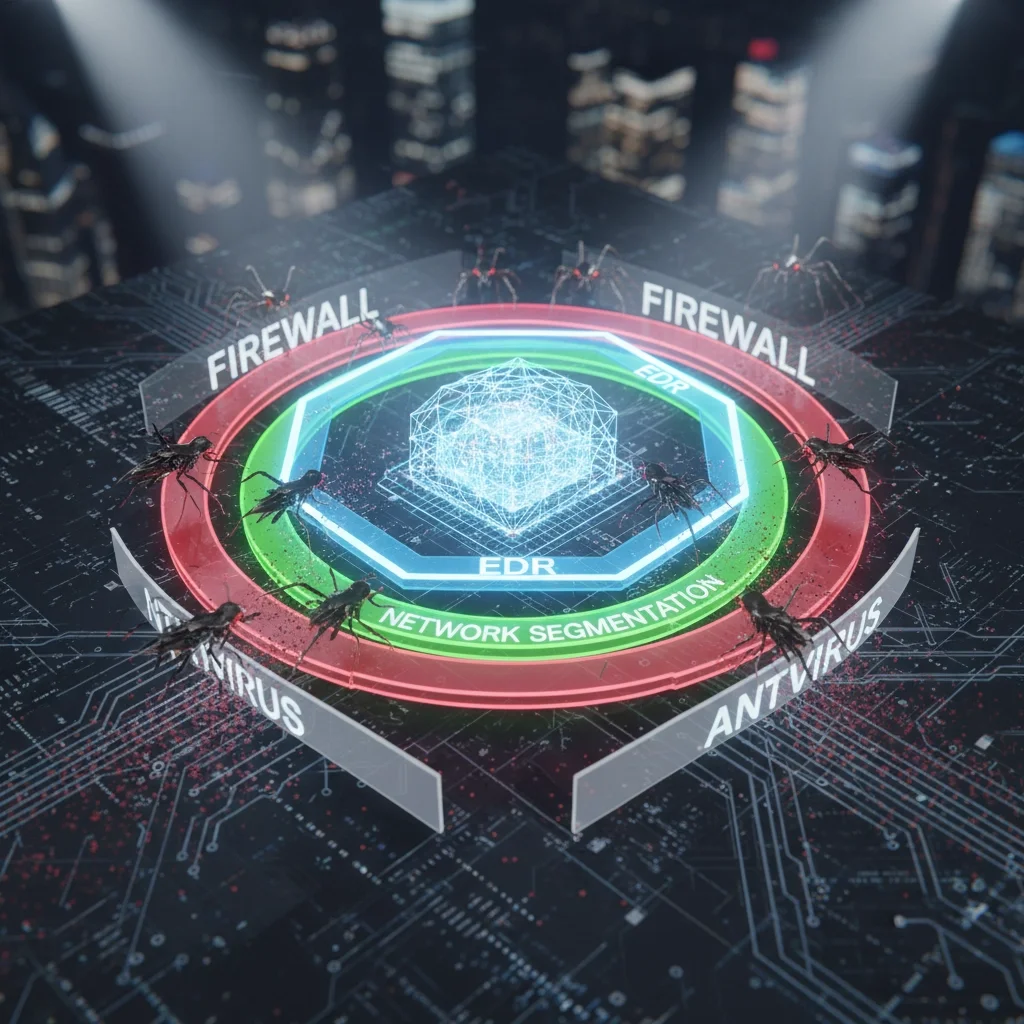
Why This Matters: Organizations using layered security approaches experience 50% fewer successful breaches compared to those relying on single-point solutions.
Mistake #6: Poor Network Security Configuration
The Problem: Many businesses use consumer-grade networking equipment and default security settings that lack the protective features necessary for business environments. Default DNS settings, unmonitored network traffic, and improperly configured firewalls create multiple entry points for ransomware attacks.
The Fix:
• Upgrade to enterprise-grade equipment - Invest in business-class routers, switches, and security appliances
• Implement DNS filtering - Block access to known malicious domains and command-and-control servers
• Configure proper port security - Secure or disable commonly exploited ports like RDP (3389) and SMB (445)
• Enable comprehensive logging - Monitor and analyze network traffic for suspicious patterns
Why This Matters: Proper network security configuration can prevent up to 80% of common attack vectors used in ransomware deployment.
Mistake #7: Lack of Incident Response Planning
The Problem: Without a well-defined incident response plan, organizations cannot respond quickly and effectively when ransomware strikes. Poor preparation leads to extended downtime, higher recovery costs, and increased likelihood of paying ransoms. Many businesses only start thinking about incident response after an attack has already begun.
The Fix:
• Develop a comprehensive incident response plan - Create detailed procedures for detection, containment, and recovery
• Establish a dedicated response team - Assign specific roles and responsibilities before an incident occurs
• Conduct regular tabletop exercises - Practice your response procedures through simulated attack scenarios
• Partner with cybersecurity experts - Identify and contract with incident response specialists before you need them
Why This Matters: Organizations with tested incident response plans recover from attacks 200+ days faster than those without formal procedures.
Taking Action: Your Next Steps
These seven mistakes represent the most critical vulnerabilities we see in businesses today. The reality is that ransomware isn't a matter of "if" but "when" for most organizations. However, by addressing these common mistakes proactively, you can dramatically reduce your risk and minimize damage if an attack occurs.
Ready to strengthen your cybersecurity defenses? TekkEez provides comprehensive cybersecurity consulting and IT support services designed to protect your business from ransomware and other advanced threats. Our expert team can assess your current security posture, identify vulnerabilities, and implement the robust protections your business needs.
Don't wait for the next attack to expose these critical gaps in your security. Contact TekkEez today to schedule a comprehensive cybersecurity assessment and take the first step toward bulletproof protection for your business.
Your data, your reputation, and your business continuity depend on getting cybersecurity right. Let us help you build the defenses that keep ransomware at bay.
Managed IT Services Vs In-House IT: Which Is Better for Your Growing Business in 2025?
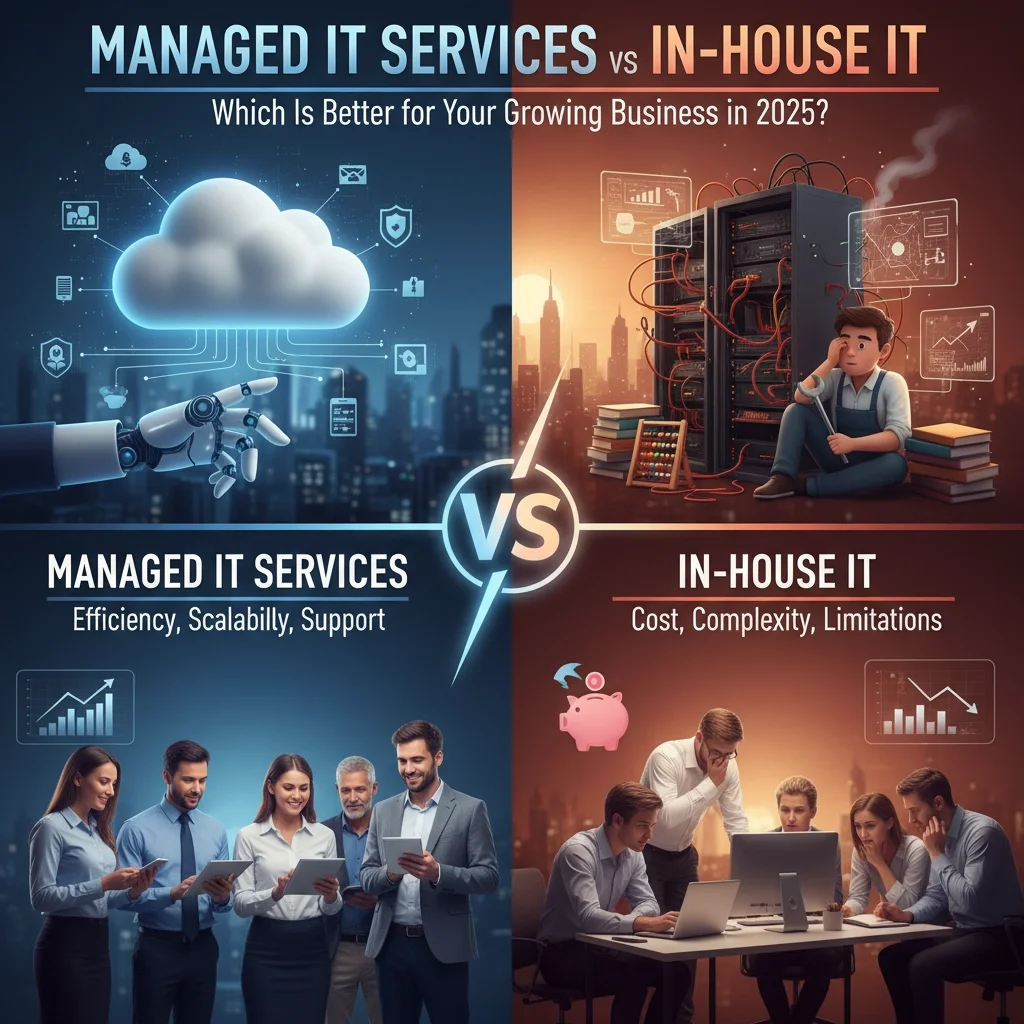
For growing businesses in 2025, choosing between managed IT services and building an in-house IT team represents one of the most critical strategic decisions you'll make. This choice directly impacts your operational costs, security posture, scalability, and ability to focus on core business growth. The right decision depends on your company size, growth trajectory, budget constraints, and specific technology requirements.
The landscape has shifted dramatically in recent years. Remote work, cloud adoption, cybersecurity threats, and AI integration have made IT management more complex than ever. Meanwhile, the talent shortage in IT continues to drive up hiring costs and extend recruitment timelines. These factors make the managed services vs in-house debate more nuanced and consequential for business success.
What Are Managed IT Services?
Managed IT services involve partnering with an external provider who takes complete responsibility for your technology infrastructure, support, and strategic planning. Rather than hiring full-time employees, you gain access to an entire team of specialists who monitor, maintain, and optimize your systems around the clock.
Modern managed service providers (MSPs) offer comprehensive solutions that go far beyond basic tech support. They provide proactive monitoring, cybersecurity management, cloud services, backup and disaster recovery, compliance assistance, and strategic technology consulting. This model transforms IT from a cost center into a strategic advantage.

Key Components of Managed IT Services:
• 24/7 monitoring and support - Continuous oversight prevents issues before they impact your business
• Proactive maintenance - Regular updates, patches, and system optimization keep everything running smoothly
• Cybersecurity management - Advanced threat detection, prevention, and response capabilities
• Cloud services and migration - Expert guidance on cloud adoption and optimization
• Backup and disaster recovery - Automated data protection with rapid recovery capabilities
• Compliance assistance - Help meeting industry regulations and standards
• Strategic technology planning - Long-term roadmaps aligned with business goals
The Compelling Benefits of Managed IT Services
Predictable, Transparent Costs
Managed IT services operate on a fixed monthly subscription model that eliminates surprise expenses and simplifies budget forecasting. You know exactly what you'll spend each month, making financial planning straightforward and reliable. This predictability proves invaluable for growing businesses that need to allocate resources strategically across multiple priorities.
Access to Specialized Expertise
When you partner with a managed service provider, you gain immediate access to a diverse team of certified professionals with expertise across multiple domains. Instead of hoping to find one IT generalist who can handle everything adequately, you get specialists in networking, cybersecurity, cloud architecture, database management, and emerging technologies like AI automation.
Scalability Without Hiring Headaches
Growing businesses face constantly changing IT requirements. Managed services scale seamlessly with your needs - adding users, implementing new applications, or expanding to additional locations happens without lengthy recruitment processes or training periods. You get the capacity you need when you need it.
Enhanced Security and Compliance
Cybersecurity threats evolve daily, requiring constant vigilance and specialized knowledge to combat effectively. MSPs invest heavily in advanced security tools, threat intelligence, and certified security professionals that most small to medium businesses cannot afford individually. They also stay current on compliance requirements across different industries and regulations.

Understanding In-House IT Teams
In-house IT involves hiring and managing your own internal team of technology professionals who work exclusively for your organization. These employees develop deep familiarity with your specific systems, processes, and business requirements while providing on-site support and customized solutions.
Traditional in-house IT teams handle everything from help desk support to infrastructure planning, software development, and strategic technology initiatives. They become integral parts of your organization's culture and decision-making processes.
Core Characteristics of In-House IT:
• Dedicated focus on your organization's specific needs and priorities
• Physical presence for immediate hands-on support and collaboration
• Deep organizational knowledge built over time through direct experience
• Custom solution development tailored exactly to your business requirements
• Direct control over all technology decisions and implementations
• Cultural alignment with company values and long-term vision
Benefits of Building In-House IT Capabilities
Complete Control and Customization
In-house teams provide total control over your technology infrastructure, security policies, and implementation timelines. You make all decisions directly without coordinating with external vendors or adapting to their service limitations. This control enables highly customized solutions that align perfectly with your unique business processes.
Immediate Physical Presence
When critical systems fail or complex installations are required, having staff physically present can significantly reduce downtime. In-house teams can respond instantly to hardware failures, perform hands-on troubleshooting, and coordinate directly with on-site staff during emergencies.
Organizational Knowledge and Continuity
Internal IT staff develop comprehensive understanding of your business processes, historical technology decisions, and future strategic plans. This institutional knowledge enables more informed recommendations and smoother implementation of new initiatives that align with existing systems and workflows.

Which Option Fits Your Growing Business?
Choose Managed IT Services When:
Your business is experiencing rapid growth that makes predicting IT staffing needs difficult. You need 24/7 support capabilities without the overhead of shift-based staffing. Your budget constraints make hiring a full team of specialists financially challenging. You want to focus leadership attention on core business activities rather than IT management complexities.
Managed services work exceptionally well for companies between 10-100 employees who need enterprise-level capabilities without enterprise-level costs. They're also ideal for businesses in regulated industries that require specialized compliance expertise or companies planning significant cloud migrations.
Choose In-House IT When:
Your organization is large enough to justify multiple full-time IT positions across different specialties. You have highly specialized or sensitive systems that require constant on-site attention. Your business model involves significant custom software development or unique technology requirements that generic MSP services cannot address effectively.
In-house teams make sense for companies with stable, predictable IT needs and sufficient budget to attract top talent. They're particularly valuable for organizations where technology represents core competitive advantage rather than supporting infrastructure.
Consider Hybrid Approaches When:
Many growing businesses find optimal results combining both models strategically. You might maintain a small internal IT team for immediate support and company-specific projects while partnering with an MSP for specialized services, 24/7 monitoring, advanced security, and overflow capacity during busy periods.
This hybrid approach provides the best of both worlds - maintaining internal knowledge and control while accessing external expertise and scalability when needed.
Making the Strategic Decision for 2025 and Beyond
The technology landscape continues evolving rapidly with artificial intelligence, cloud computing, cybersecurity threats, and remote work requirements creating new challenges and opportunities. Your IT infrastructure must support not just current operations but future growth and adaptation.
For most growing businesses, managed IT services provide superior value during expansion phases. The combination of predictable costs, scalable expertise, and comprehensive support enables focus on core business activities while ensuring technology infrastructure supports rather than constrains growth.
However, the decision ultimately depends on your specific circumstances, growth trajectory, and strategic priorities. Consider conducting a thorough analysis of your current IT costs, future needs, and organizational capabilities before making this critical choice.

At TekkEez, we understand that every growing business faces unique technology challenges and opportunities. Our comprehensive managed IT services provide the expertise, support, and strategic guidance needed to transform technology from a cost center into a competitive advantage.
Whether you need consulting services, ongoing support, or specialized AI services, our team delivers solutions tailored to your specific requirements and growth objectives.
Ready to discover how managed IT services can accelerate your business growth while reducing costs and complexity? Contact TekkEez today to discuss your technology needs and explore how we can help you focus on what matters most - growing your business.